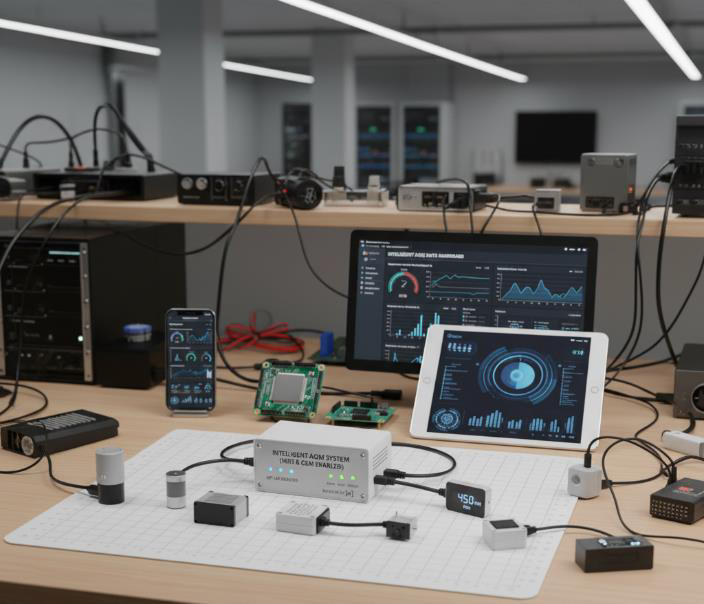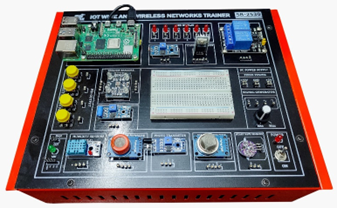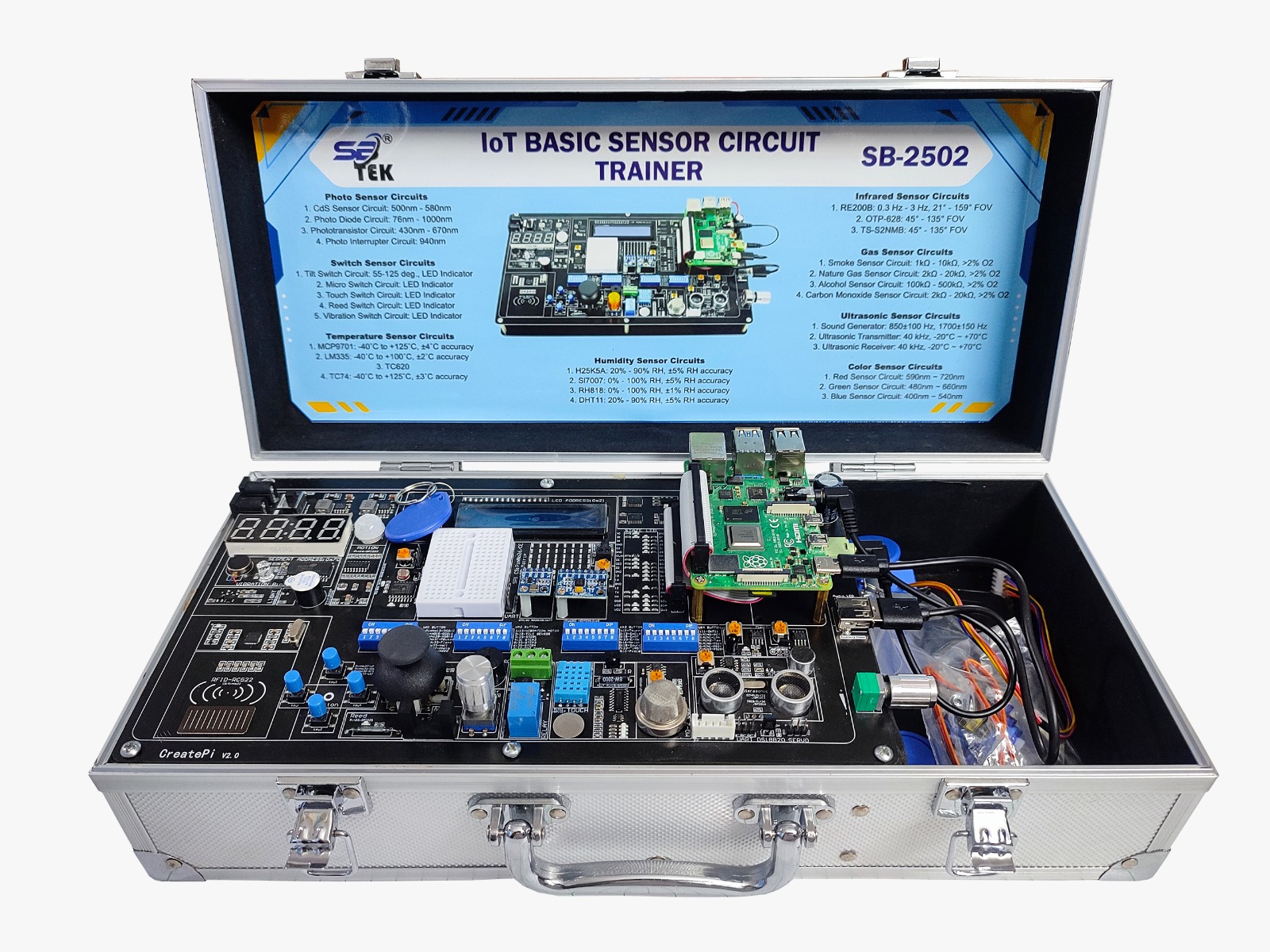
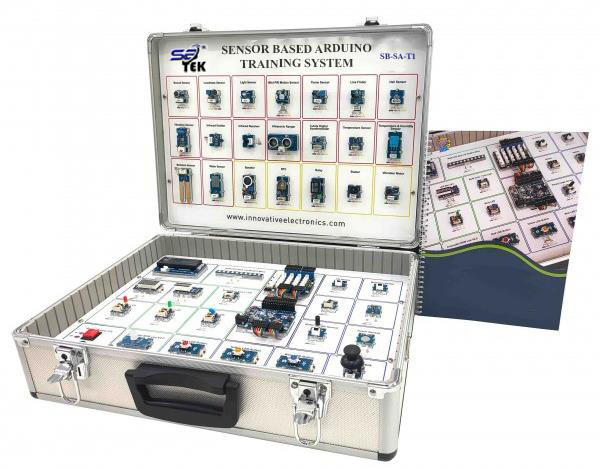
Product Overview: The SB-TEK SB-SA-T1 Sensor-Based Arduino Training System is a complete, bench-top microcontroller learning platform designed for engineering universities, technical institutes, and vocational education centers. It integrates real hardware modules, Arduino Mega2560, multi-sensor interfaces, power modules, motor drivers, human-machine interfaces, and licensed interactive software for an enhanced learning experience. The system enables trainees to perform hands-on embedded systems experiments, understand sensor interfacing, and develop Arduino-based projects with industry-aligned standards. Built as a lightweight, portable plastic case, it ensures classroom mobility, ease of demonstration, and wide accessibility. FEATURES • Arduino training system should be a benchtop kit that tends to familiarize the trainee with the different microcontroller components and connections • The kit should be designed in the form of a lightweight portable plastic case equipped with a
TECHNICAL SPECIFICATIONS
The trainer should consist of below components:
• 1 x Arduino mega2560 board
• 1 x Camera 640 x 480
• 1 x Temperature sensor
• 1 x Vibration sensor
• 1 x Remote + IR receiver
• 1 x Color sensor
• 1 x PIR motion detector
• 1 x Ultrasonic sensor
• 1 x (3-axis Gyro + 3-axis acceleration + 3-axis magnetic field + air pressure sensor) module
• 1 x Joystick and SD card module
• 1 x NFC module
• 2 x RF transceiver
• 1 x LAN module and “8x8 LED matrix”
• 1 x Key pad and Serial EEPROM
• 1 x WIFI module
• 1 x DC motor interface, Servo motor interface and Stepper motor interface
• 1 x Bread board and Relay module
Integrated fixed DC power supply module
• +3.3V, +5V, +12V, -5V, -12V (fuse protected) with LED indicators – accessed via 2mm sockets
Origin Requirement
• The Training System should be made in the USA or UK or EU or Egypt or Australia
Integrated variable DC power supply module
• (1.25 to +5V), (-1.25V to -5V) (fuse protected) with LED indicators – accessed via 2mm sockets
Other Hardware
• 8 Digital O/P switches
• Integrated pulse generator from 2 Hz : 1KHz
• 1 x Seven segment modules (4 segments)
• 1 x (2 x 16 LCD module) contrast adjustable via potentiometer
• 1 x Piezo buzzer module and Speaker
• 2 x Potentiometers to simulate analog I/P to Arduino
• 1 x AC power source socket (fuse protected) with ON/OFF switch.
• Pullup and pulldown resistor for digital Pins (selectable between pull-up, floating, pull-down)
• Indication LED for every Pin
• Pin header male/female groups for external connections
• Should include ready to run codes for all included trainer components
• Should be supplied with Programming Software, Sample Codes, USB Cable and User Manual
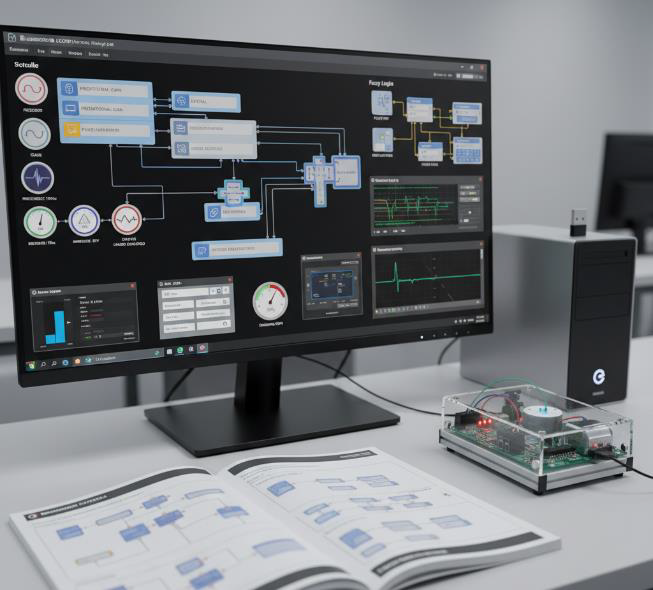
Licensed Interactive Software Features
• An interactive and self-paced learning method that can be used in labs, workshops, or classes in educational facilities or remotely from home
• Should help in improving the academic performance of the students
• Students should have a more fun experience in labs and classes
• The productivity of both the students and instructors can be increased greatly using this tool
• It can be used as an additional tool to deliver information besides traditional textbooks and other soft materials
• The trainees can have access to different types of interactive materials
• Interactive materials must aid them with having a better understanding of complex scientific topics and additional homework
• They should be able to revisit all the course material, question banks, and interactive content at their fingertips
• The student should be able to access the material at any time of the day, using any device that can be connected to the internet
• A comprehensive tool that can be used without prior experience, thanks to the simple but efficient user interface
• Easy user interface should make it easy for students to use in class on a daily basis
• Should be developed in the USA or UK or EU or Egypt or Australia
• The students should be able to use the tool without any supervision from the instructors
• The time consumed by the instructors to prepare educational material for the students can be significantly decreased with the help of the digital content tool
• The instructors should be able to illustrate their ideas in many smart ways
• Course content creation, editing, and planning time are decreased by 45% with the help of digital editing tools
• The content can be tailored to fit many academic courses in many fields
• Understanding the concepts of engineering is easier than ever
• The digital content should present theoretical information about experiments, and experiment steps
• Demonstrating different components and parts of the trainer can be accessed easily by trainees
• It should be a much more trouble-free way for the students to use the trainer and perform the needed setup or pre-setup
• A better planning and organizing of the learning process and the different materials used in educational courses
• The ability to divide each section and be able to add as many sub-sections as possible
• Dividing the course materials into sections should be a very efficient way to have a more digestible form of information
• Can be used to create educational material for different subjects and fields of learning
• The trainees can use this tool to test their knowledge using the provided questions
• The answers must be corrected as soon as the students submit their answers automatically
• The score of correct and wrong answers should be shown at the end of answering the questions
• Self-testing should be a better information retention method that can improve the students’ performance by 80%
• The student can study the theoretical information that the experiments are based on in the content
• They should get introduced to the trainer and to its components to have a better understanding of the different parts
• They must be able to perform the required experiments, and record readings and results
• Experiment steps, hardware pre-setup, and trainers’ components and parts can be presented to the trainees through interactive tools
• The trainees can make the experiments step by step using the instructions provided to them in the content
• Added sections for recording the experiment results and output numbers
• After performing experiments, the trainees should be able to test their knowledge, and get corrected as soon as they submit their answers, and much more using this tool
• Improving learning skills for planning, observation, and analysis
• Encouragement of digital skills
• Improved self-managed learning and independence
• The tool should be very useful to help trainees work together in small teams and help each other
• Perform different experiments interactively and digitally
• Comprehensive possibilities for application due to a wide range of experiments and exercises
• The tool should support adding pictures, GIFs, videos, interactive figures, and more for more interesting content
• Using new interactive tools like interactive graphs should be beneficial to help clarify different types of data
• Interactive figures can be another convenient way to explain difficult topics
• Gifs and illustrative pictures can be used to give an inside look at the operation and science behind different machines and devices
• With the help of adding videos, the different videos can help in explaining lessons, lab content, and experiment procedures so trainees can revisit the content and perform experiments and do problems by themselves
• The content can have question banks for each section so the students will be able to test themselves
• The question banks should have a variety of question types such as true and false, MCQ single choice, MCQ Multiple answers, and short answer questions
• The ability to add drag-and-drop questions for a more interactive way of testing
• The different modules components can be presented easily
• The different trainers can be explained and illustrated in a very detailed and organized way
• Technical data of all the components of all the trainers should be provided in the content
• Instructions for operation, pre-setup, and setup must be shown using this tool in an organized and detailed way
• A tutorial for how to use the trainers’ software and its interface (if the trainer has software) should be provided and explained through GIFs and pictures
• Safety tips to ensure the safety of the user and the devices are added
• Quizzes, and practice questions can be included and both the instructor & the trainees can make great use of them
• The ability to add interactive tests
• Easy navigation through the digital course content with the help of a digital table of contents
• Easy access to each chapter with a very organized way to show sections and sub sections
• A pleasant user interface to ensure the comfort of the user
• Supplied in a USB Pen Drive with License.